Credit Notes and Customer Returns
Correct a customer's financial balance and, when needed, return goods to stock.
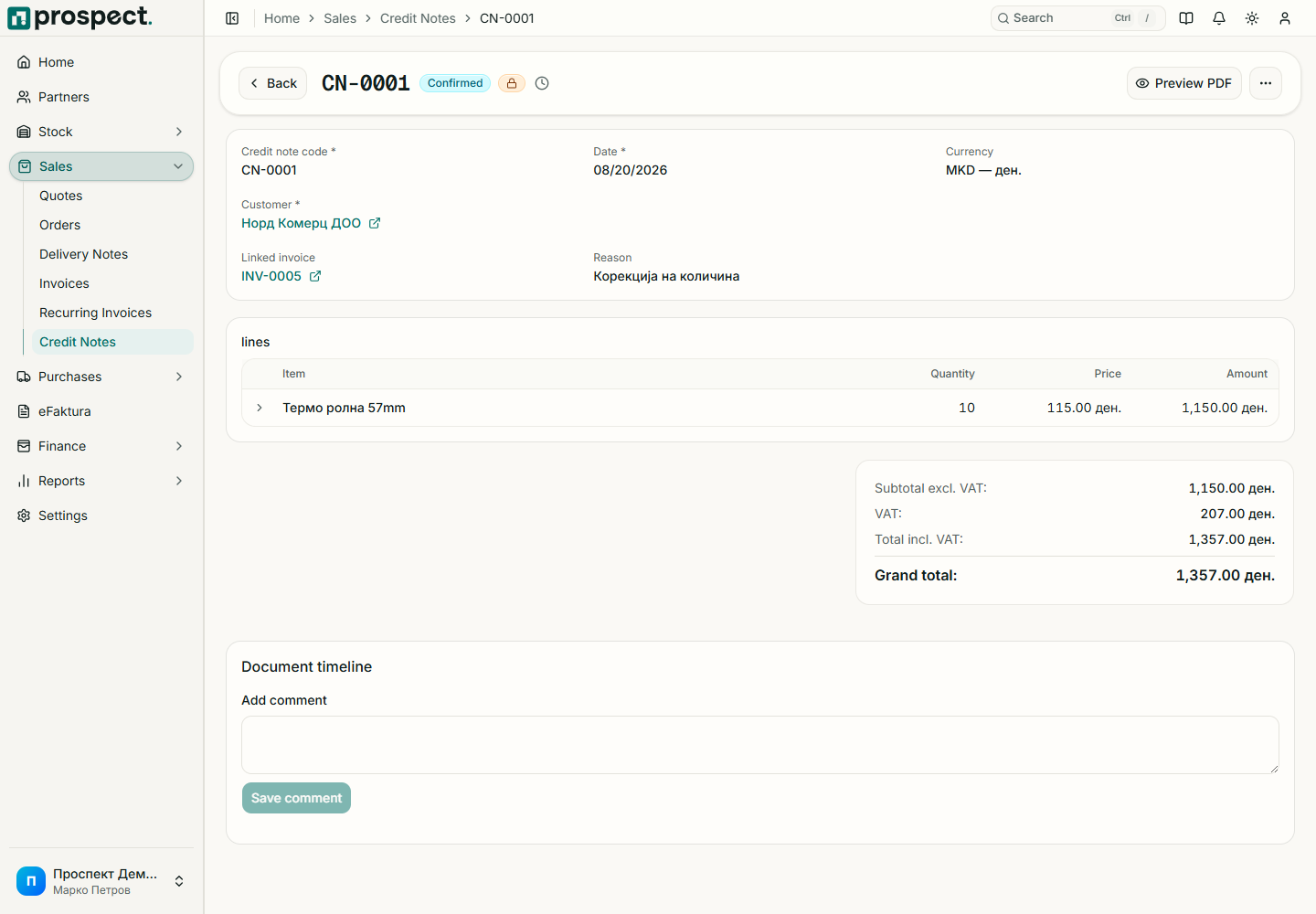
Use a credit note to reduce or reverse a published customer charge. Use a return note when products physically return to a warehouse. Some corrections require both documents; neither should be replaced with a negative manual payment.
Open the original invoice and choose the credit action, or start a credit note and select its source.
If goods were returned, create and publish the linked return note into the actual receiving warehouse.
Prospect prevents corrections beyond remaining eligible values. Published credits affect the receivable position; returns affect stock. Cancellation is permitted only when it will not conflict with dependent documents or a locked period.
See Returns and reversals and Open items.