Sales
Deliver Goods with Delivery Notes
Post customer dispatches, consume reservations, and preserve source quantities.
Delivery note
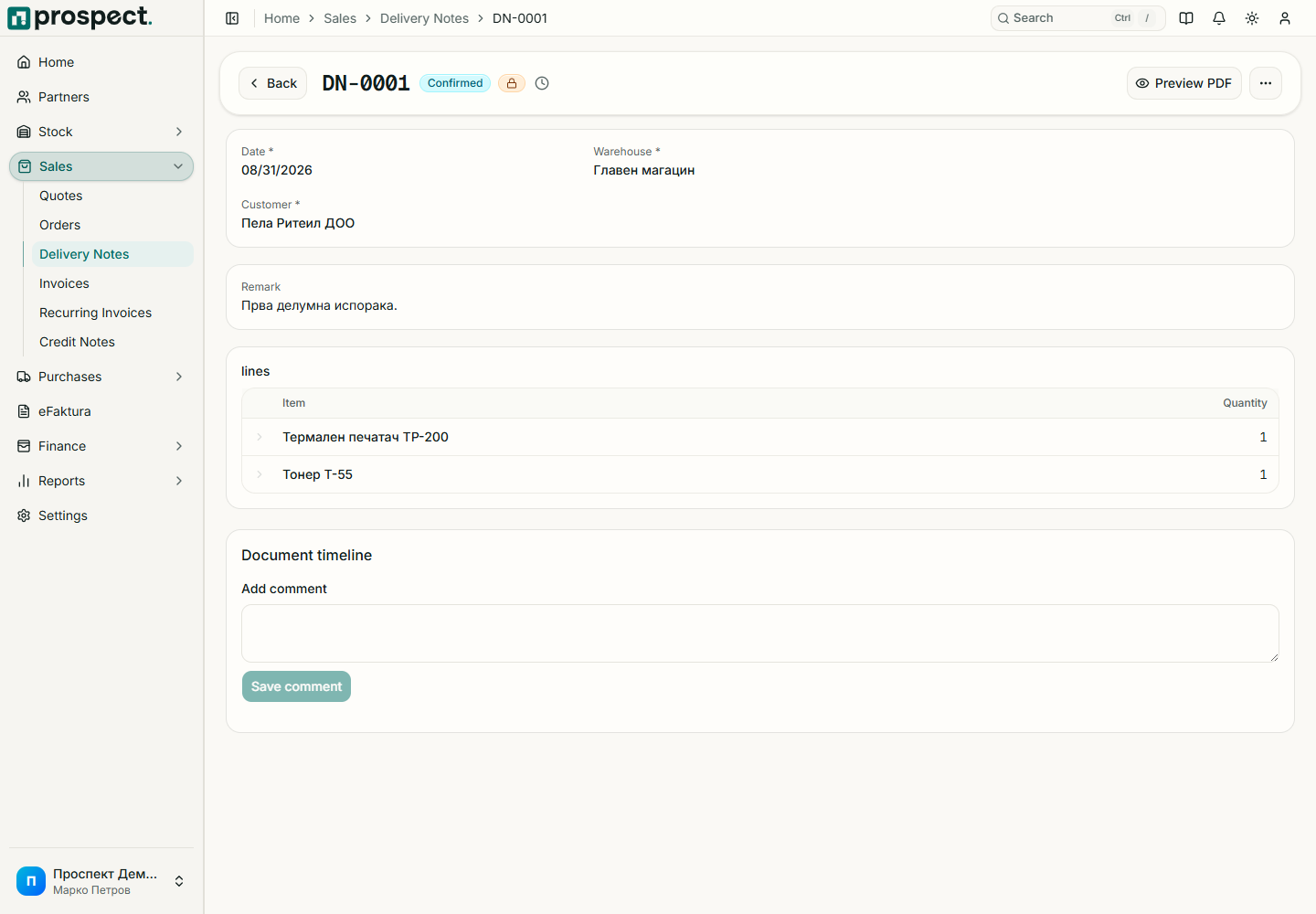
Open a sales order and choose the delivery action, or start a direct delivery note.
Select the warehouse and dispatch date, then confirm only physically shipped quantities.
Review available stock and remaining source quantities.
Publish to post the stock movement and update order fulfillment.
Product lines affect inventory; service lines do not. Negative-stock and over-fulfillment rules may block publication or require an explicit permission. Cancelling a delivery reverses its stock effect only when later documents and the fiscal period allow it. For customer goods coming back, use a return note, not a negative delivery line.