Recurring Invoices
Schedule repeat customer invoices and review each generated draft safely.
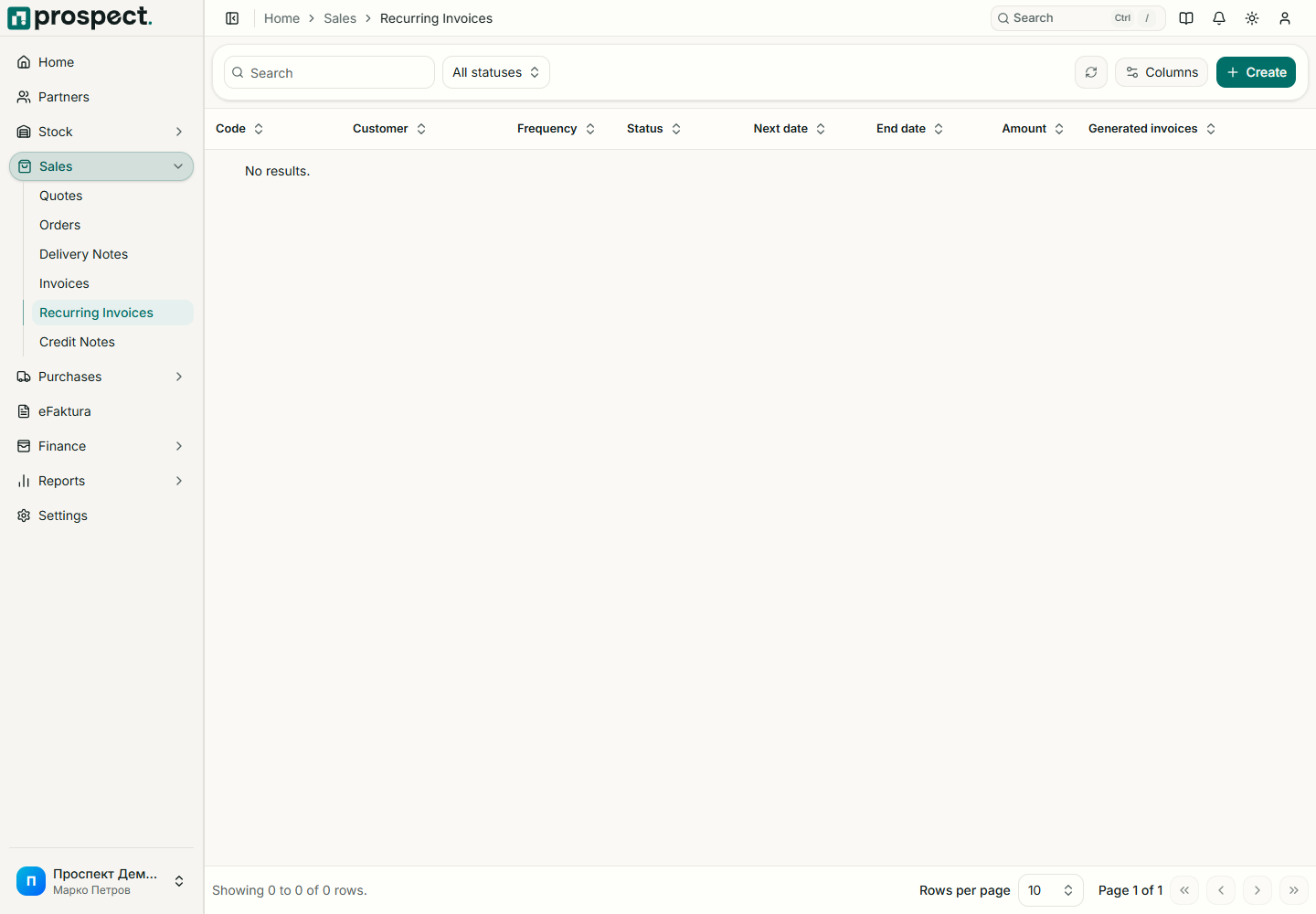
Select the customer, frequency, start or next-run date, document defaults, and invoice lines.
Activate the schedule after confirming tax, currency, prices, and dates.
Review generated invoices and resolve any validation issue before publication and delivery.
Generation runs from the configured scheduler and is designed to be idempotent for the same due occurrence. Pausing stops future generation without deleting earlier invoices. Changes affect future occurrences, not invoices already created.
If an expected invoice is missing, verify that the schedule is active, its next run is due, the customer and master data remain active, and the company scheduler has run. A generated invoice still follows normal numbering, publishing, email, credit-limit, and eFaktura rules.