Inventory
Create Products, Services, and Barcodes
Maintain item master data used by sales, purchases, stock, reporting, PDFs, and eFaktura.
Items
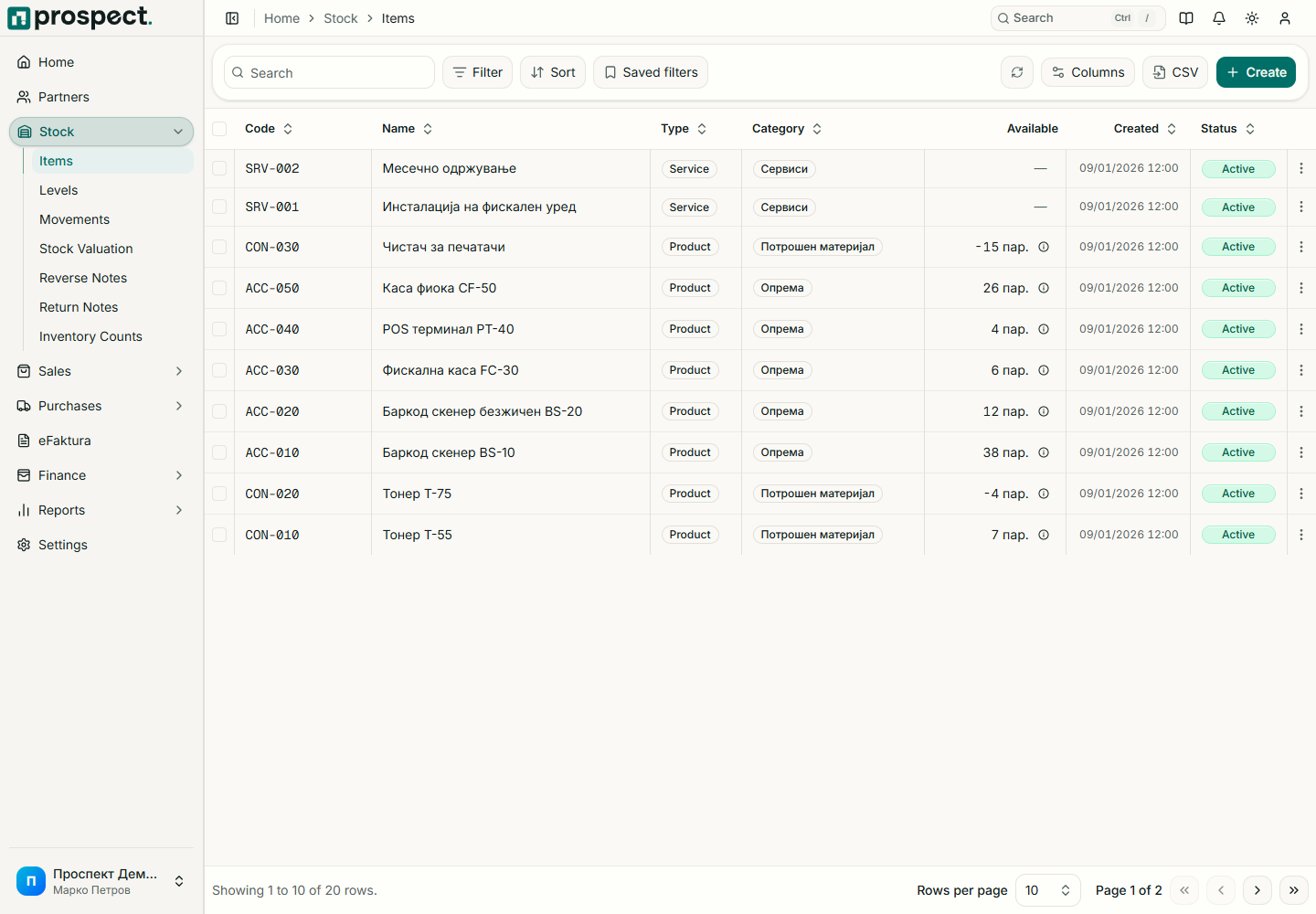
Open Stock → Items → New Item and choose Product or Service.
Confirm the unique code and enter a clear name and description.
Select unit of measure and category; add brand, sales price, purchase cost, weight, and reorder point when relevant.
For products, add unique barcodes with the correct symbology and stock defaults.
Save and review how the item appears in document selectors and PDFs.
Do not change a product into a service after it has stock history. Deactivating an item removes it from normal future selection without deleting its document and movement history. eFaktura imports may require an alias or mapping when the supplier's item code differs.