Perform and Post an Inventory Count
Compare physical counts with system stock and post approved variances.
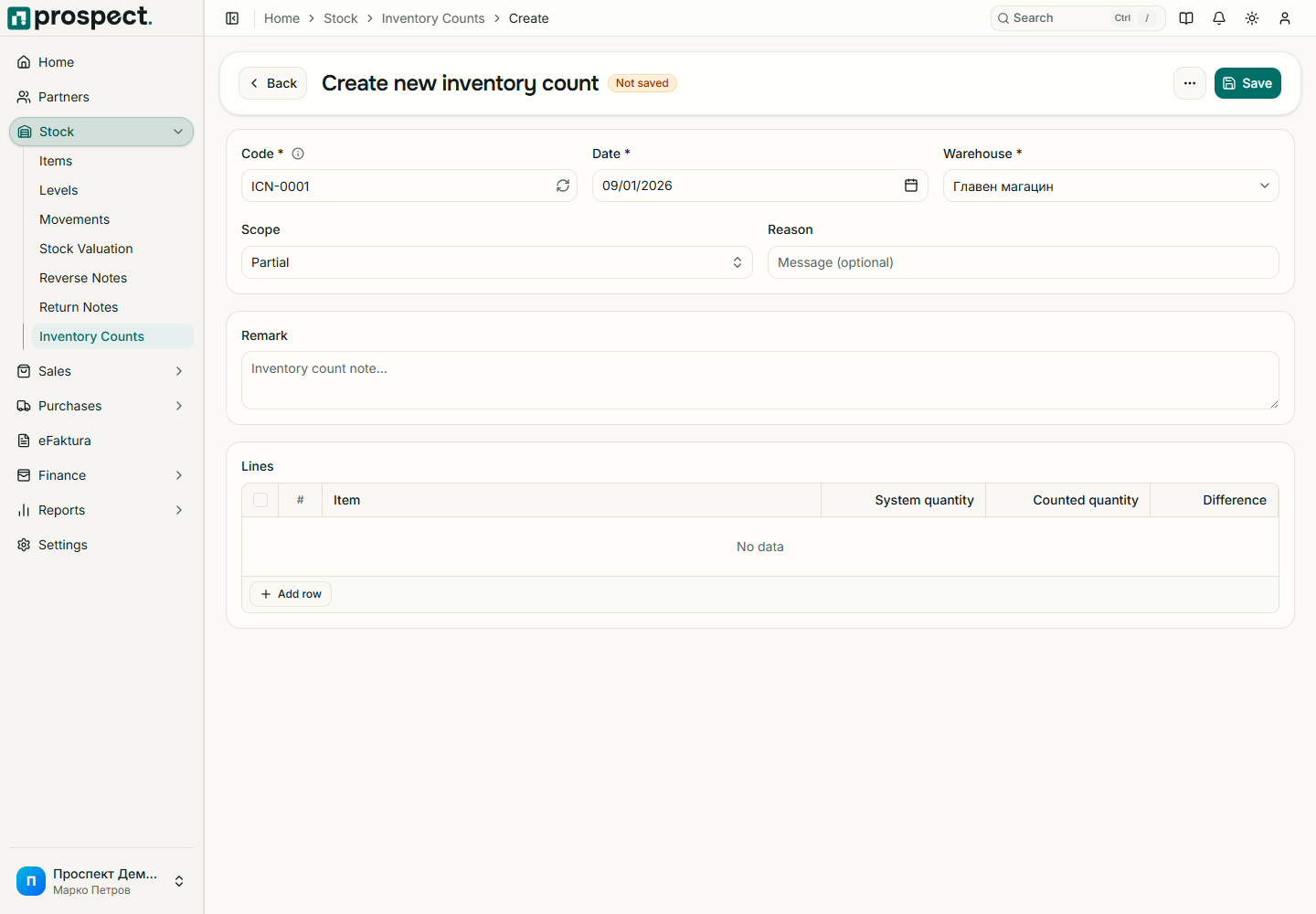
Add products and enter physically counted quantities. Keep evidence or notes for significant differences.
Review calculated system quantity and variance; investigate receipts, deliveries, transfers, and returns entered near the count time.
Save the Draft for review, then post with the Post inventory count permission.
Posting sets stock to the counted quantity as of the count date. Prospect recalculates the system quantity when you post, so receipts, deliveries or transfers dated on or before the count date that were entered after you saved the draft are taken into account, and the posted difference is shown on the count. Posting creates adjustment movements for those differences. It does not rewrite earlier history. A locked period or negative-stock rule may require correction of dates or an authorized override. Cancellation requires its own permission and reverses the posted adjustment only when dependencies allow it.
Do not use a count to compensate for a known missing receipt, delivery, or transfer; record the real source document instead.