Return Goods to a Supplier
Post a controlled stock return and align the related supplier liability.
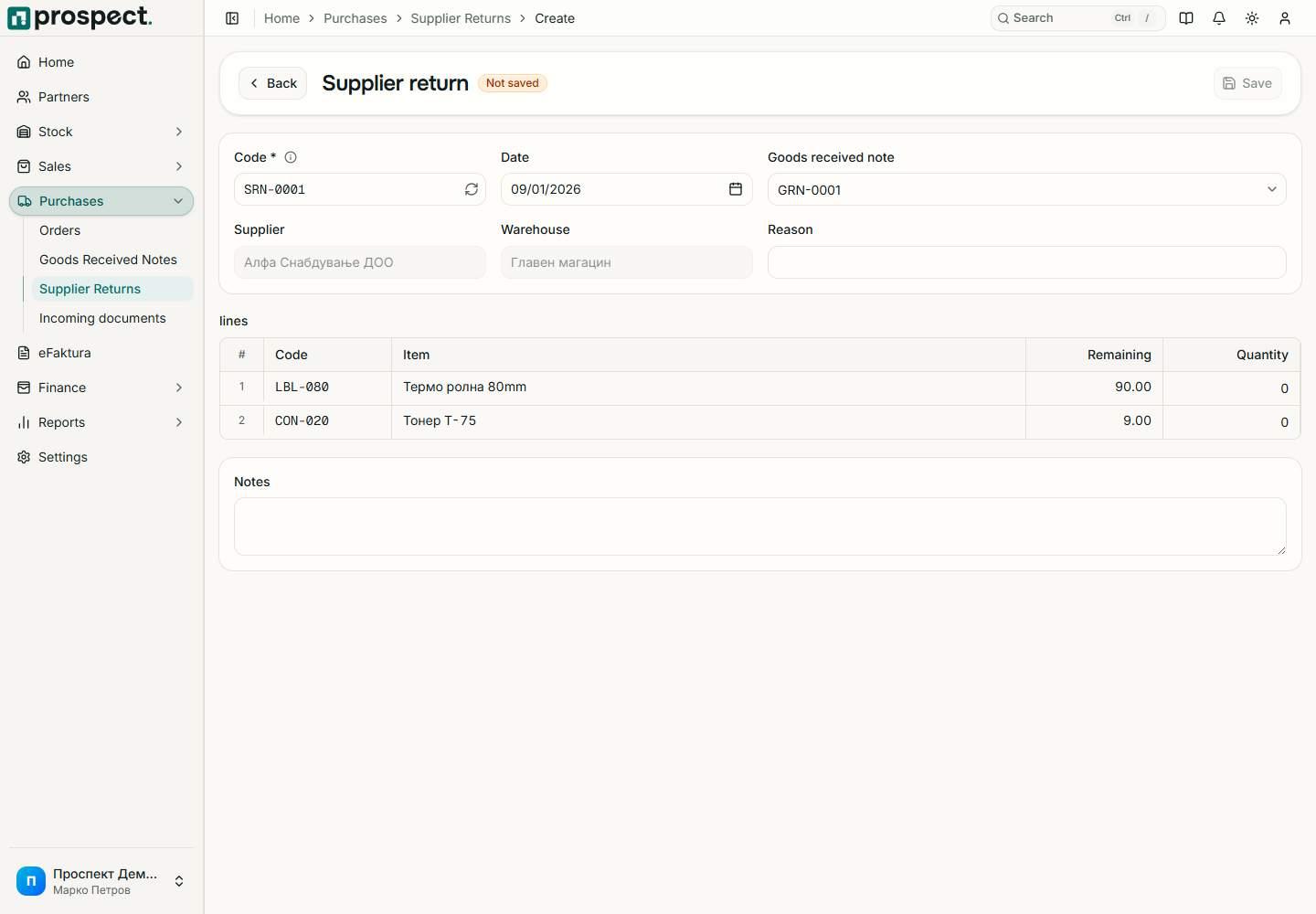
Use a supplier return when received products physically leave your warehouse. Use a supplier credit document as well when the payable must be reduced.
Open Purchases → Supplier Returns → New, select the supplier and source receipt or purchase document.
Choose the warehouse, return date, reason, and only the eligible remaining quantities.
Save the Draft and verify that sufficient on-hand stock exists in the selected warehouse.
Record the supplier credit and match it to the financial correction when received.
An active Supplier Return document series is required. Prospect blocks returning more than the eligible received amount or more stock than is available unless a permitted policy override applies. Cancellation reverses the stock effect only when downstream dependencies and locked periods permit it.
See Supplier documents and Returns and reversals.