Inventory
Warehouses, On-Hand, Reserved, and Available Stock
Read stock balances correctly and configure the warehouse and master data behind them.
Stock levels
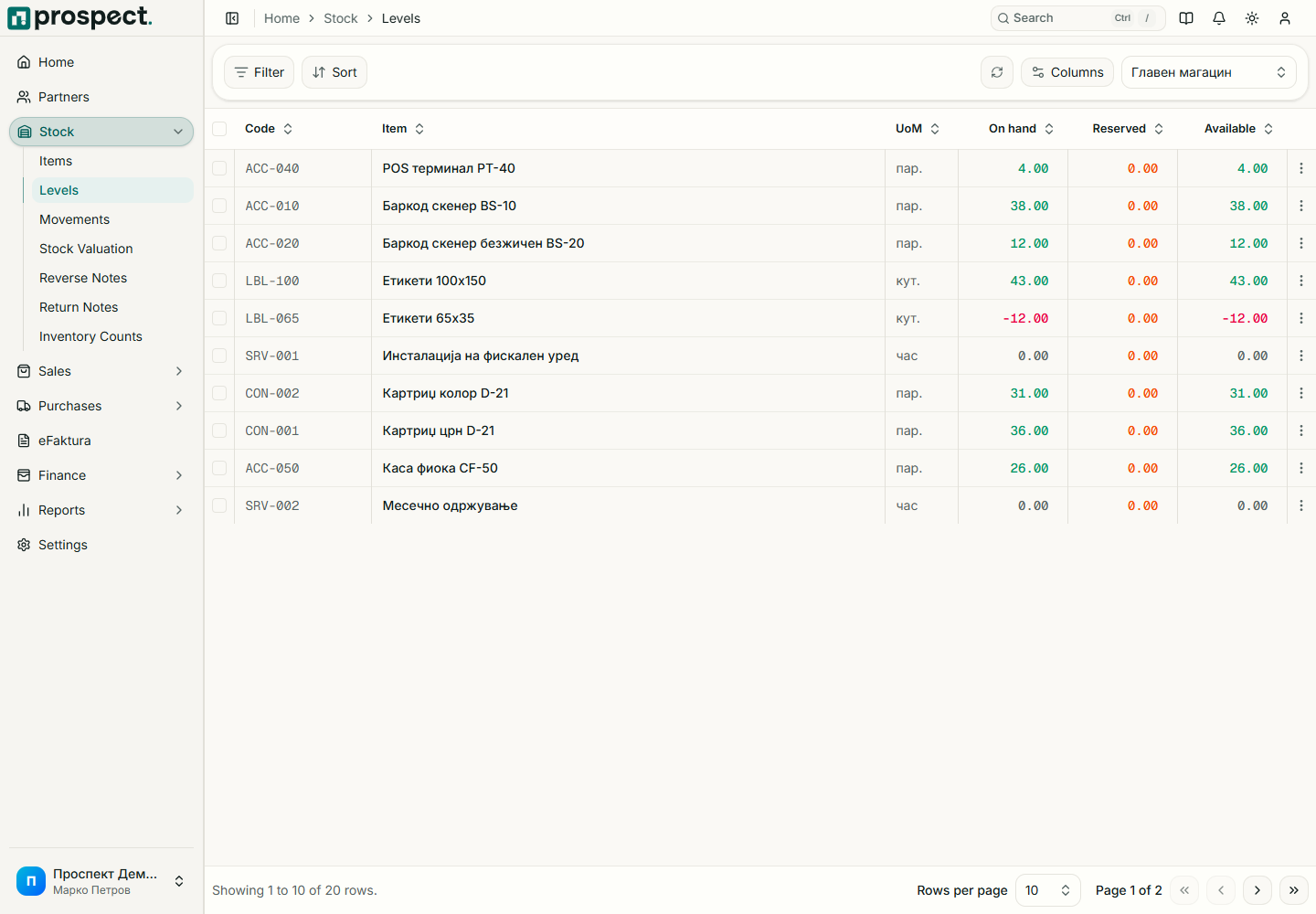
- On hand is the posted physical quantity from stock movements.
- Reserved is product committed by active sales orders under the reservation policy.
- Available is what remains for new commitments.
Filter by warehouse, item, or availability condition. Open an item or valuation detail to trace movements and value. Totals across warehouses do not mean stock can be delivered from any warehouse; the document's selected warehouse controls the check.
Owners and administrators create warehouses, categories, and units under Settings. A warehouse or master value already used in history should be deactivated rather than deleted. If a balance looks wrong, trace Stock movements and source documents before posting a count adjustment.