Review Stock Valuation
Understand current inventory value, average cost, valuation layers, and source history.
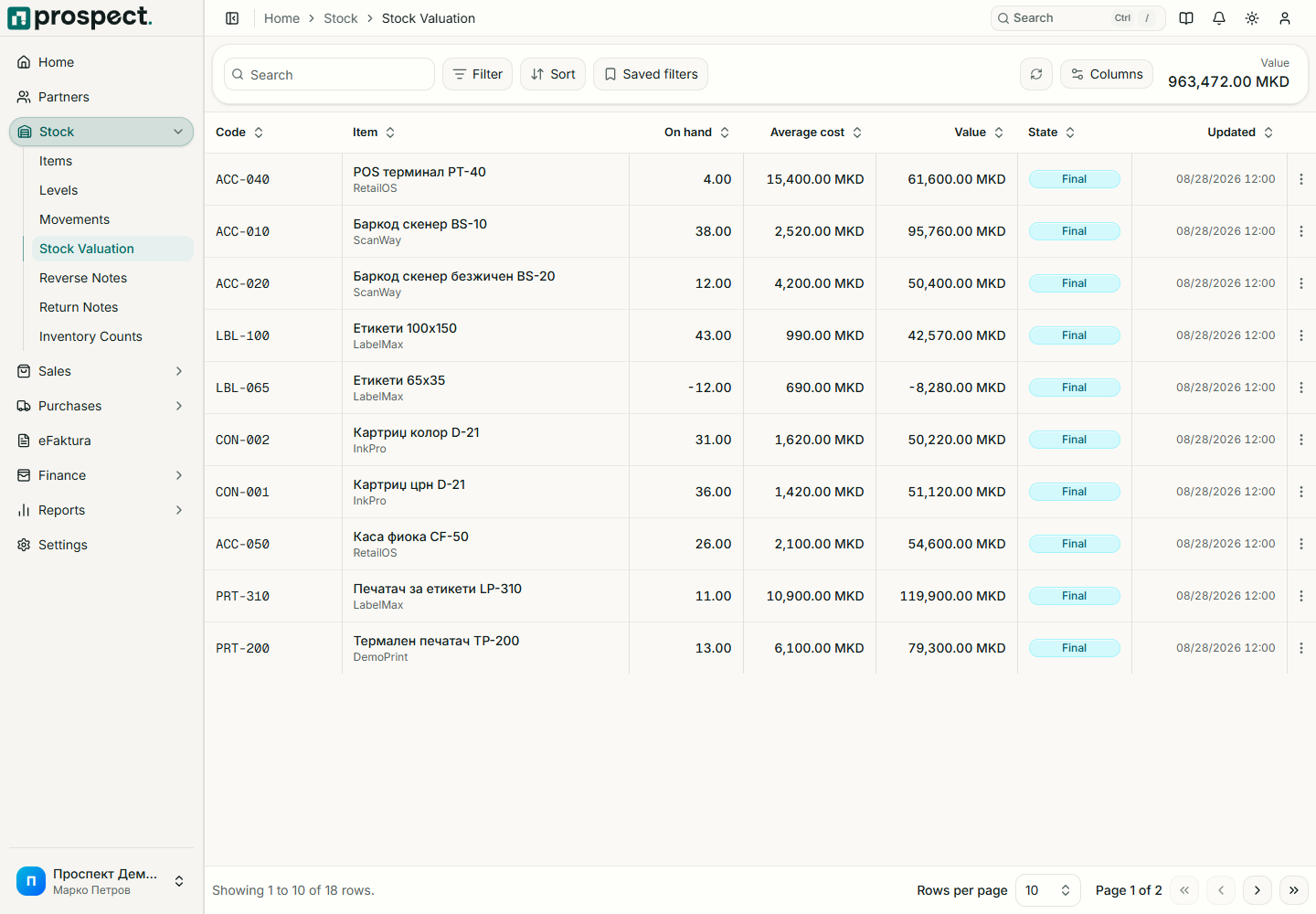
Open Stock → Valuation and filter by item or warehouse. Select an item to inspect chronological layers and source movements. Receipts introduce cost, landed-cost finalization adjusts acquisition value, and outbound movements consume value according to Prospect's valuation rules.
Prospect values each product with one moving weighted average cost across all warehouses. A transfer between warehouses therefore moves quantity without changing the unit cost, and every warehouse shows the same average cost for an item.
Check unexpected values by tracing source receipts, supplier documents, costings, returns, cancellations, and backdated movements. A later backdated change can cause valuation replay for subsequent movements. If a backdated outbound movement would take stock below zero on its date, posting stops and names the item, the date and the shortfall; post the missing receipt first or correct the date. When the negative-stock policy allows a manager override, an authorized override can post the movement and the negative balance is carried at the last average cost until a receipt covers it.
Stock valuation is an operational inventory measure. The canonical accounting export maps operational events into balanced handoff lines, while the external accounting system remains the statutory ledger. Review period totals with your accountant before filing.
See Accounting handoff and Stock reports.