Create a Purchase Order
Record agreed supplier quantities, prices, tax, and expected delivery before receipt.
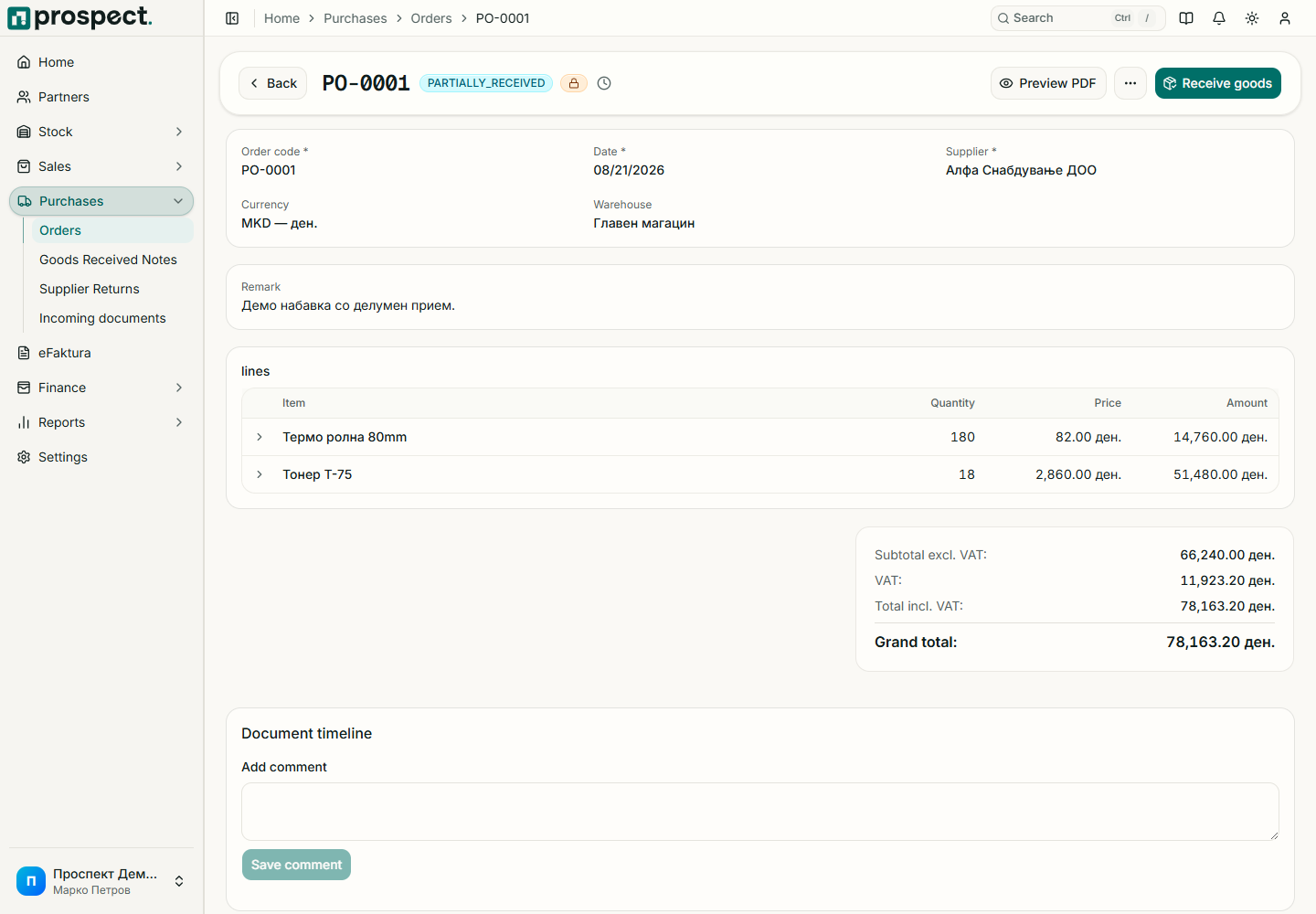
Open Purchases → Orders → New Purchase Order and choose the supplier.
Set order and expected dates, currency, series, payment terms, and notes.
Add product or service lines with quantity, purchase price, discount, and VAT.
Save the Draft, compare totals to the supplier agreement, then publish.
Create receipt and supplier documents from the order as real events occur.
The order itself does not create stock or a payable. Partial receipts and bills update progress independently. Prospect blocks downstream quantities beyond the remaining source amount unless company tolerance and an authorized override permit them. Close a completed order only when no more receipt or billing is expected.