Record Supplier Invoices, Expenses, and Credits
Record supplier documents with correct references, tax, source receipts, and payable effects.
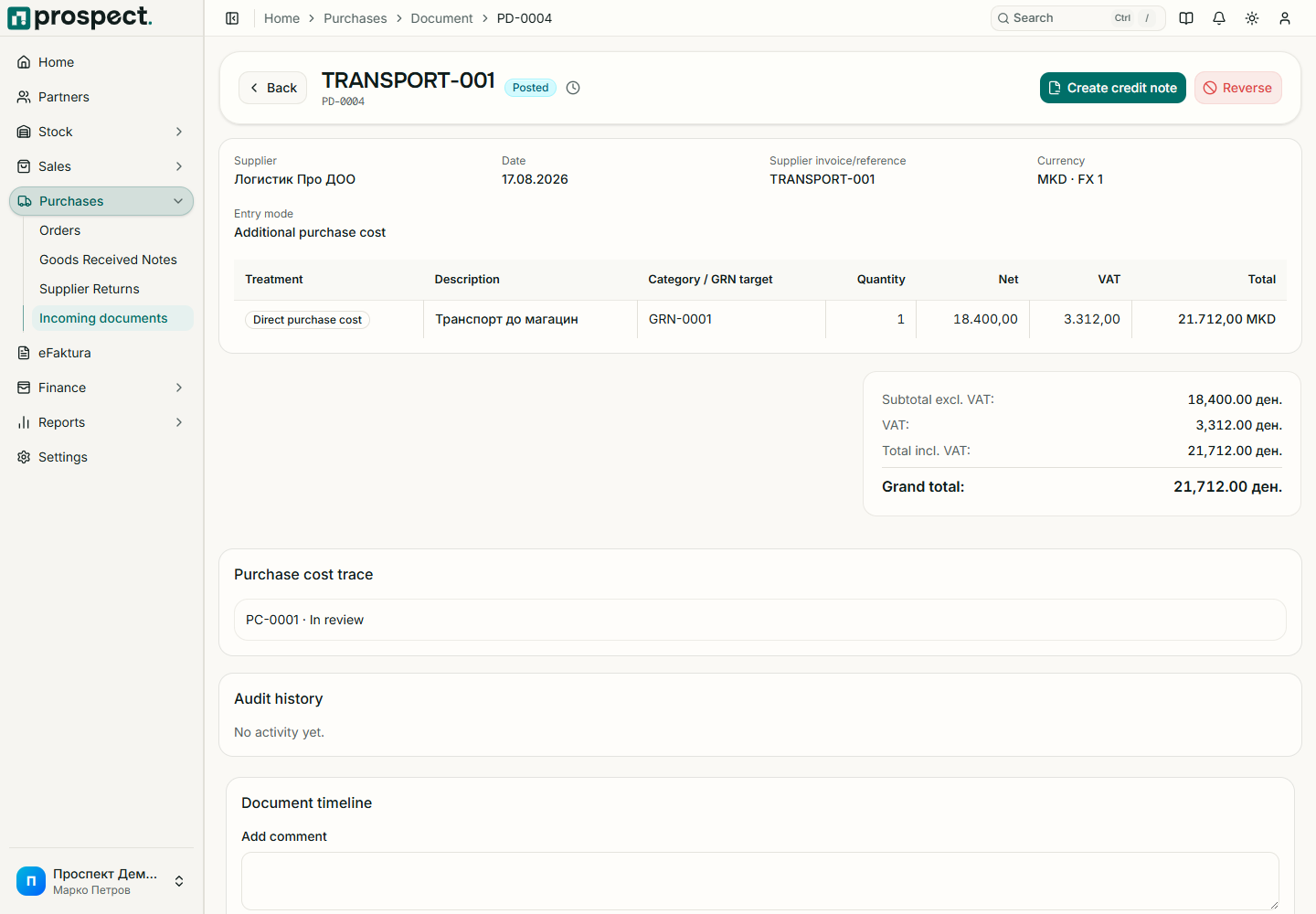
Open Purchases → Supplier Documents → New and select invoice, expense, or supplier credit.
Select the supplier and enter the supplier's document number, issue date, due date, currency, and Prospect series.
For stock purchases, select eligible order or receipt lines. For expenses, enter the expense category and service lines.
Confirm quantity, price, VAT, discount, net, VAT, and gross totals.
Supplier references should be unique and match the received document. Workflow policy may require receipt before billing stocked goods. An inbound eFaktura can create a local draft after partner, item, and tax mappings are resolved; review it before publication.
Use a supplier credit or return workflow for corrections instead of negative payment entries.