Invoice-to-Cash Workflow
Follow a customer transaction from quote and delivery through invoice, payment, and correction.
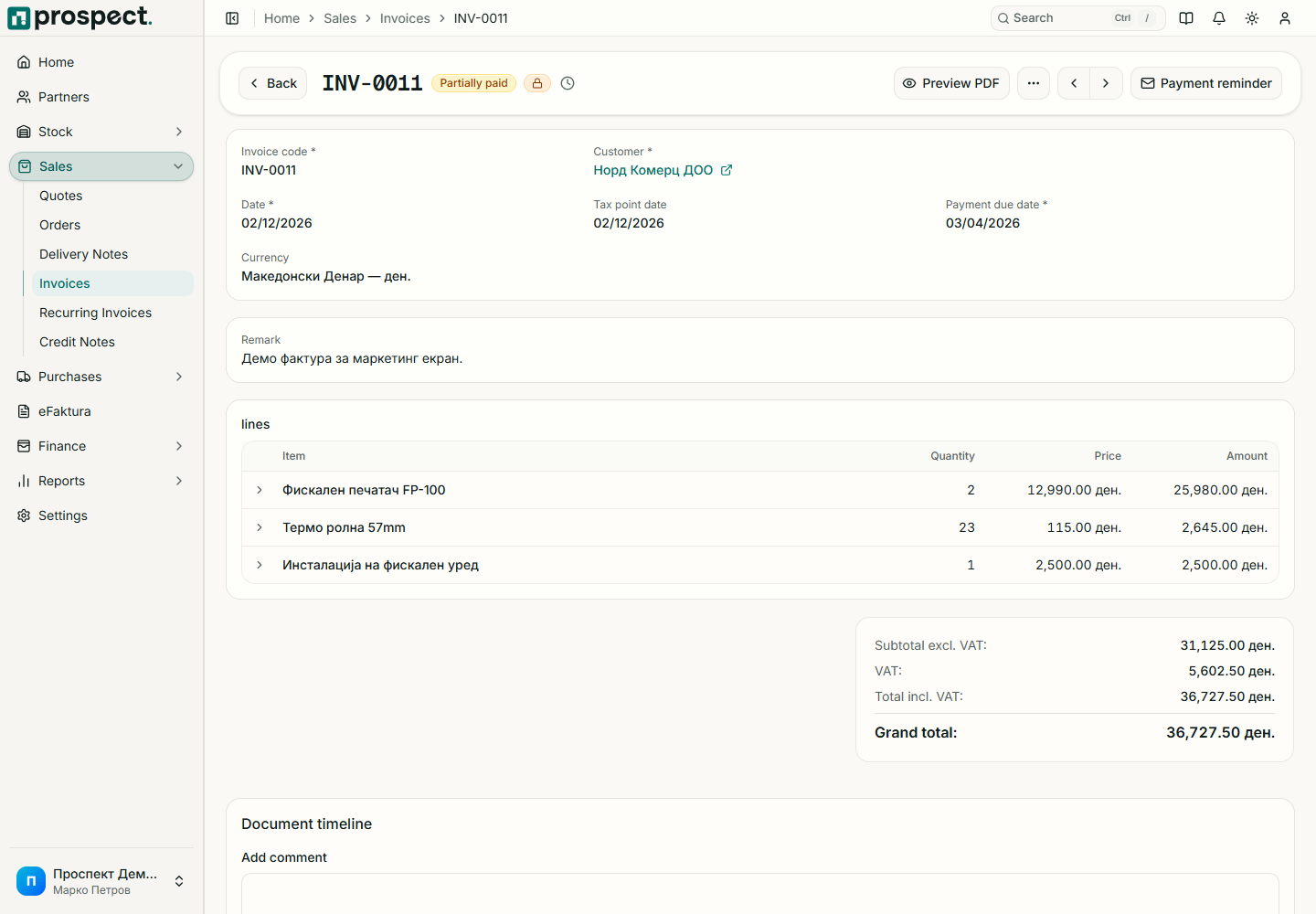
Recommended flow
Create and publish a quote when the customer needs a formal offer.
Convert the accepted quote or create a sales order. Publishing may reserve available stock according to company policy.
Create the invoice from the order or delivery note so Prospect enforces remaining quantities and source links.
Review customer, dates, tax, currency, lines, totals, credit limit, and PDF; then publish and send.
Record or reconcile the payment and allocate it to the invoice open item.
Use a credit note for a financial correction and a return note when goods return to stock. Cancellation is restricted when dependent records or locked periods would make the history inconsistent.
See Sales lifecycle, Payments, and Credit notes.