Record, Allocate, and Reverse Payments
Record incoming or outgoing money, allocate it to open items, and reverse mistakes safely.
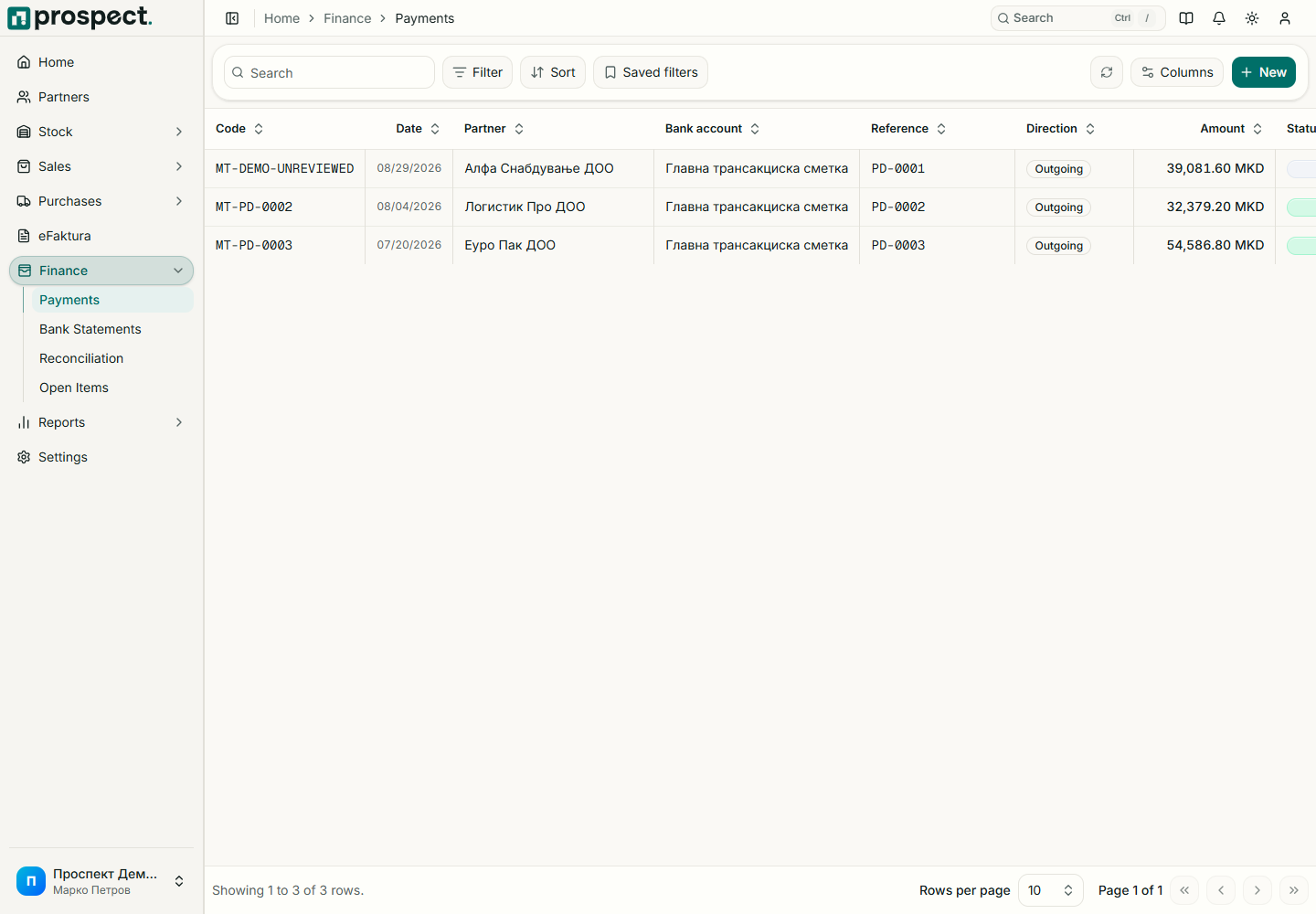
Open Finance → Payments → New Payment and choose receipt or outgoing payment.
Select partner, bank account, date, currency, amount, external reference, and note.
Allocate all or part of the amount to eligible open items. Any allowed remainder is retained as advance or unallocated value according to the workflow.
Confirm and verify the affected invoice, supplier document, and open-item balances.
Never create a negative payment to imitate a credit note, return, or reversal. To correct a confirmed transaction, open it and use Reverse with the finance reversal permission and a clear reason. Reversal restores allocations and preserves both records in the audit trail. Locked periods require correction in an open date or a dedicated override.