Customers, Suppliers, and Credit Limits
Create and maintain partner records used across sales, purchases, finance, reporting, and eFaktura.
The Partners module stores customers, suppliers, or organizations that act as both. Users need the Partners permission; owners and administrators can also manage related company policies.
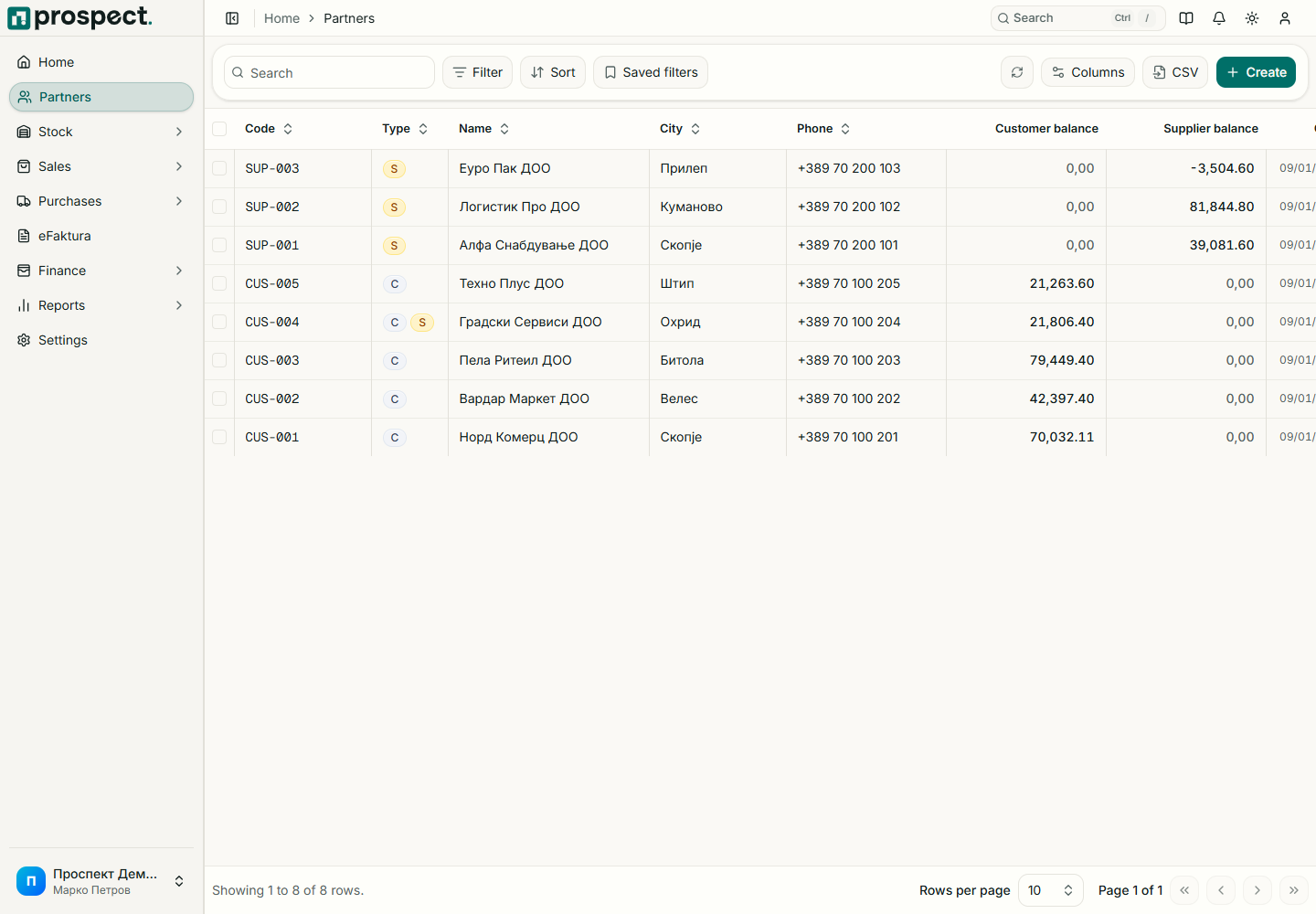
Create a partner
Open Partners → New Partner and choose Customer, Supplier, or Both.
Enter the legal/display name, tax and registry identifiers, address, email, phone, and payment terms.
For customers, set a credit limit only when your sales policy should enforce one.
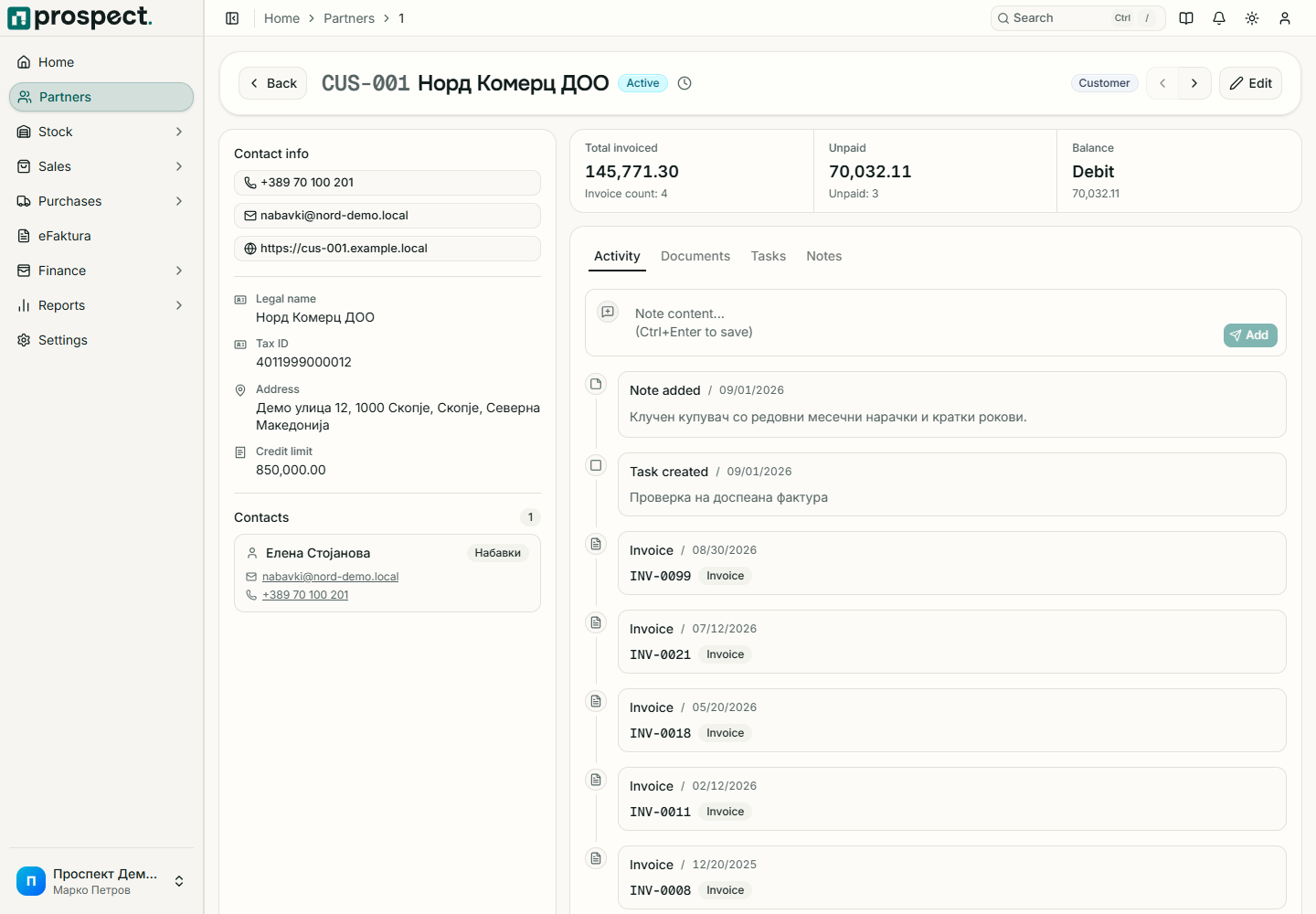
Changing a partner does not rewrite snapshots on published documents. Deactivation prevents future selection while preserving history. A credit-limit override requires its specific sales permission and should be explained in the activity record.