Subscription and Onboarding
Activate a plan, create the company workspace, and understand access after cancellation.
After email verification, Prospect guides the first owner through company creation and subscription. Billing is handled by Creem; Prospect never asks you to send payment-card data to support.
Complete the hosted checkout and return to Prospect. The workspace unlocks after the subscription is confirmed.
Enter the company name and unique workspace address during onboarding.
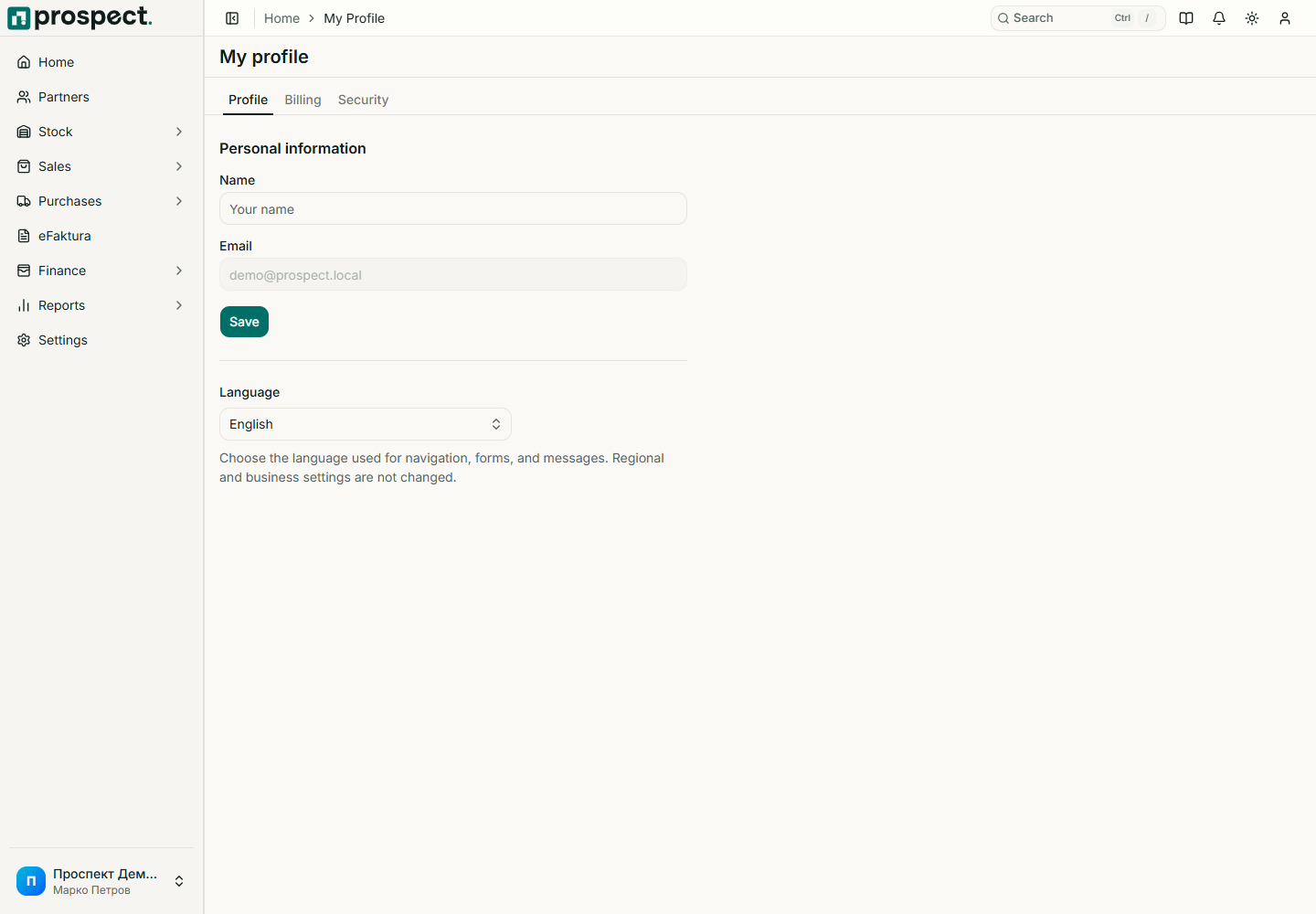
Open My Profile → Billing to see subscription status or open the billing portal. If a plan is cancelled, Prospect preserves company data but redirects operational routes to the subscription page after access expires. Renewing or recovering an active subscription unlocks the same company.
Hosted billing screens
Prices, taxes, supported payment methods, renewal dates, and cancellation timing shown by Creem are authoritative for the purchase. Do not document or rely on a value from an old screenshot.
If checkout succeeds but the workspace remains locked, return to Subscribe once to trigger subscription recovery, then contact support with the company name and payment reference—not card details.