Create an Account and Sign In
Create, verify, access, and recover a Prospect account safely.
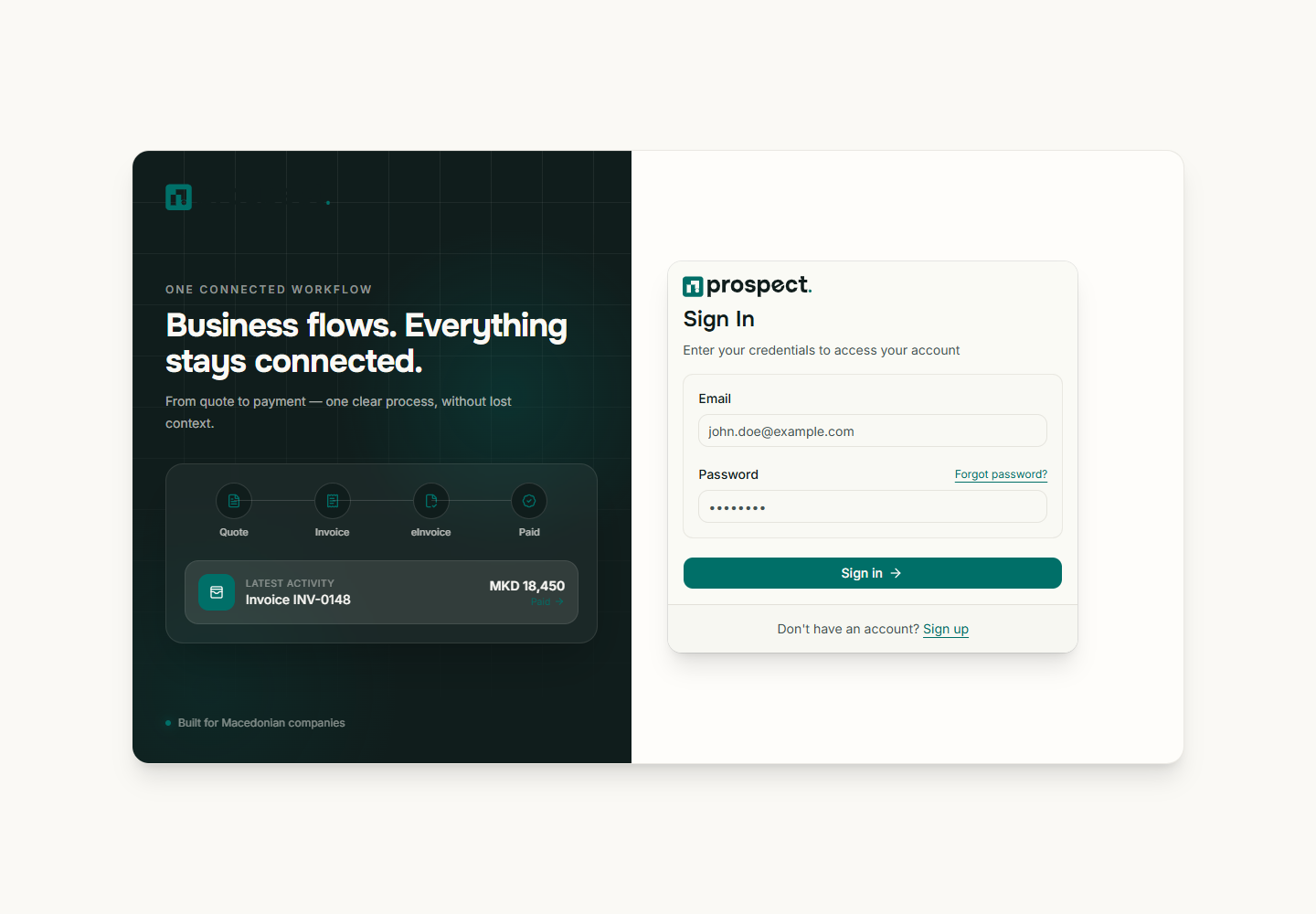
Create and verify the account
Open Sign up, enter your name, business email, and a unique password, then submit the form.
Open the verification message sent to that address and follow its link. Verification links are private and should not be forwarded.
Sign in. Prospect either resumes onboarding or opens the active company workspace.
An invited user should accept the invitation from the same email address the owner invited. Access is limited by the member's role and permissions.
Recover access
Choose Forgot password on the sign-in page, submit the account email, and use the latest reset link. A reset link is single-purpose and may expire. If no message arrives, check spam, confirm the entered address, and ask the company owner whether the invitation used another address.
Never send passwords, verification links, reset tokens, backup codes, or screenshots containing them to support.