Getting Started
Account, Language, Password, and 2FA
Maintain your personal profile, interface language, password, and two-factor authentication.
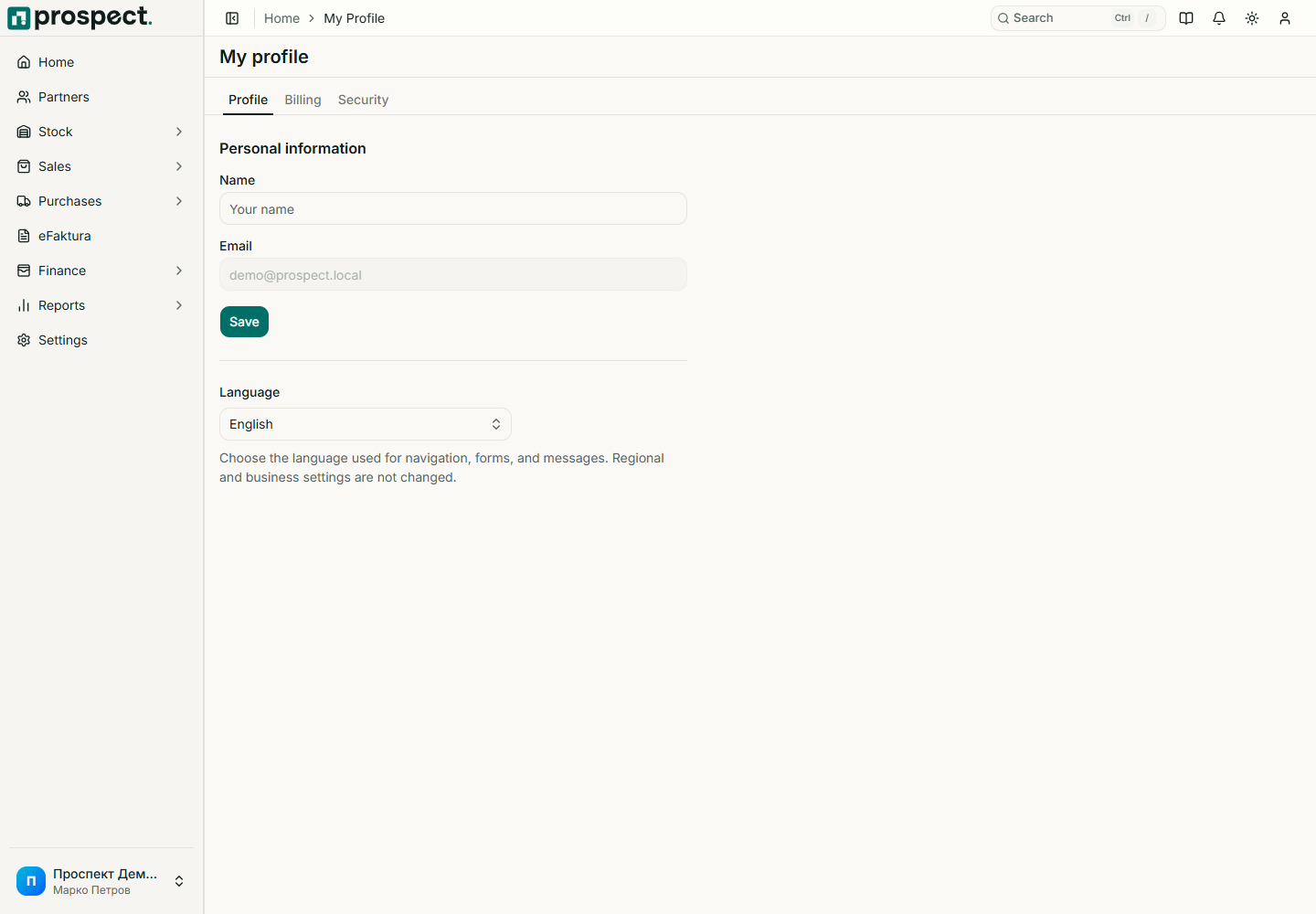
Open My Profile from the user icon. Profile settings belong to your user account; company defaults are managed separately under Settings.
My Profile
Maintain the account
- Profile: update the displayed name and choose English or Macedonian where the deployment supports both.
- Billing: view the company subscription and open the hosted management portal.
- Security: change the password by confirming the current password.
- Two-factor authentication: confirm your password, scan the TOTP QR code with an authenticator, verify a code, and store backup codes offline.
The QR secret and backup codes are shown during setup and must never appear in screenshots or support messages. Before disabling 2FA, confirm that you are on the correct account. If an authenticator code fails, check the device clock and use a current code; use a backup code only when the authenticator is unavailable.