Review and Import Inbound eFaktura Documents
Synchronize supplier invoices, decide their UJP action, resolve mappings, and create a local purchase draft.
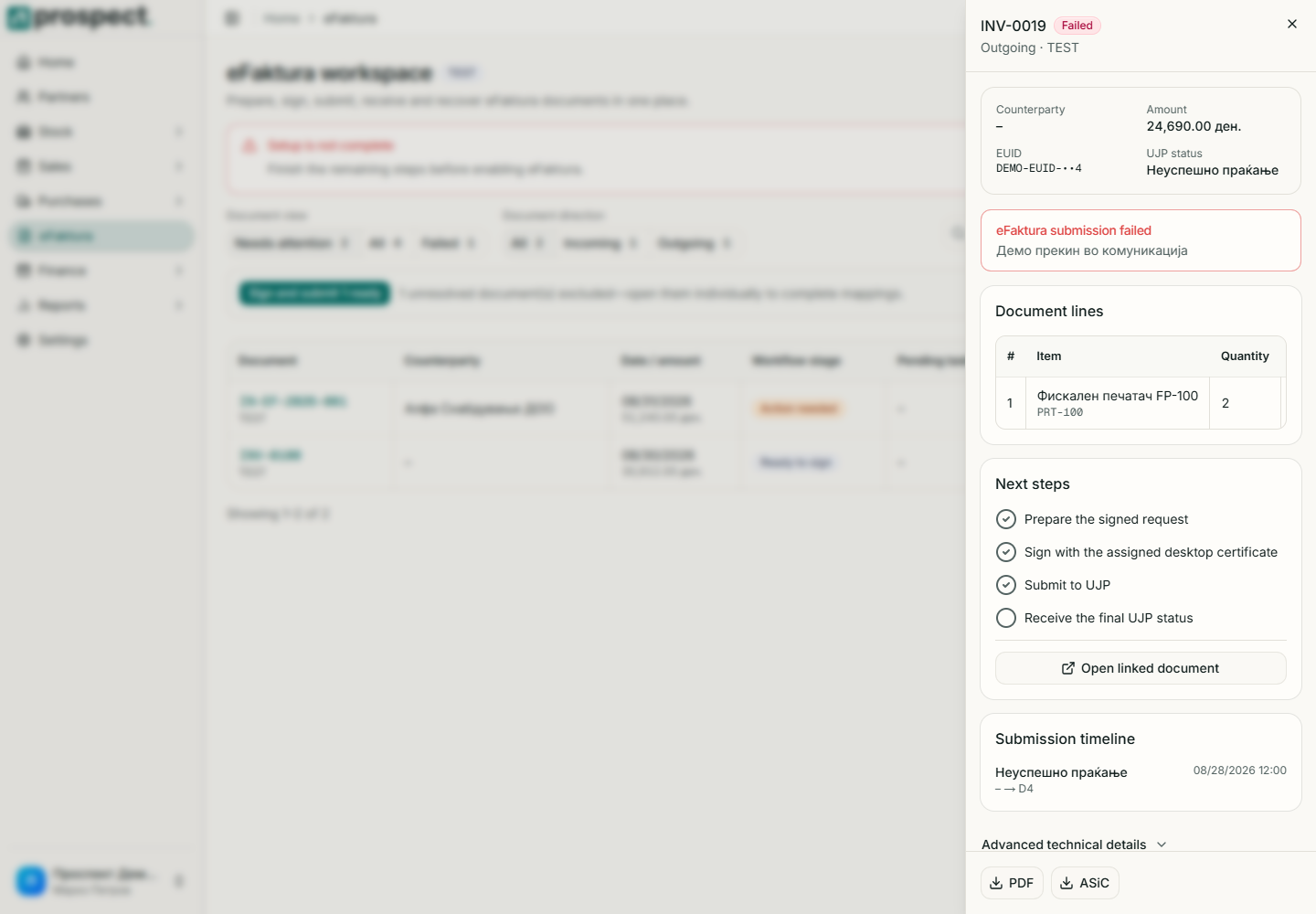
Open eFaktura, select Inbox, and synchronize the selected environment.
Open a document and compare supplier identity, number, dates, currency, lines, VAT, and gross amount with the source.
Resolve partner, item, unit, currency, and tax mappings until validation is complete.
Accept or reject only when the displayed UJP state permits it; enter a clear reason when required.
Import to create a local supplier-document draft, then review and publish it through the normal purchase workflow.
Import does not automatically publish the local document or pay it. Prospect prevents accidental duplicate local links. If a supplier correction arrives, keep the original status history and process the new document according to its kind.