Import and Export Operational Data
Move supported master and operational data safely using validation, previews, and CSV exports.
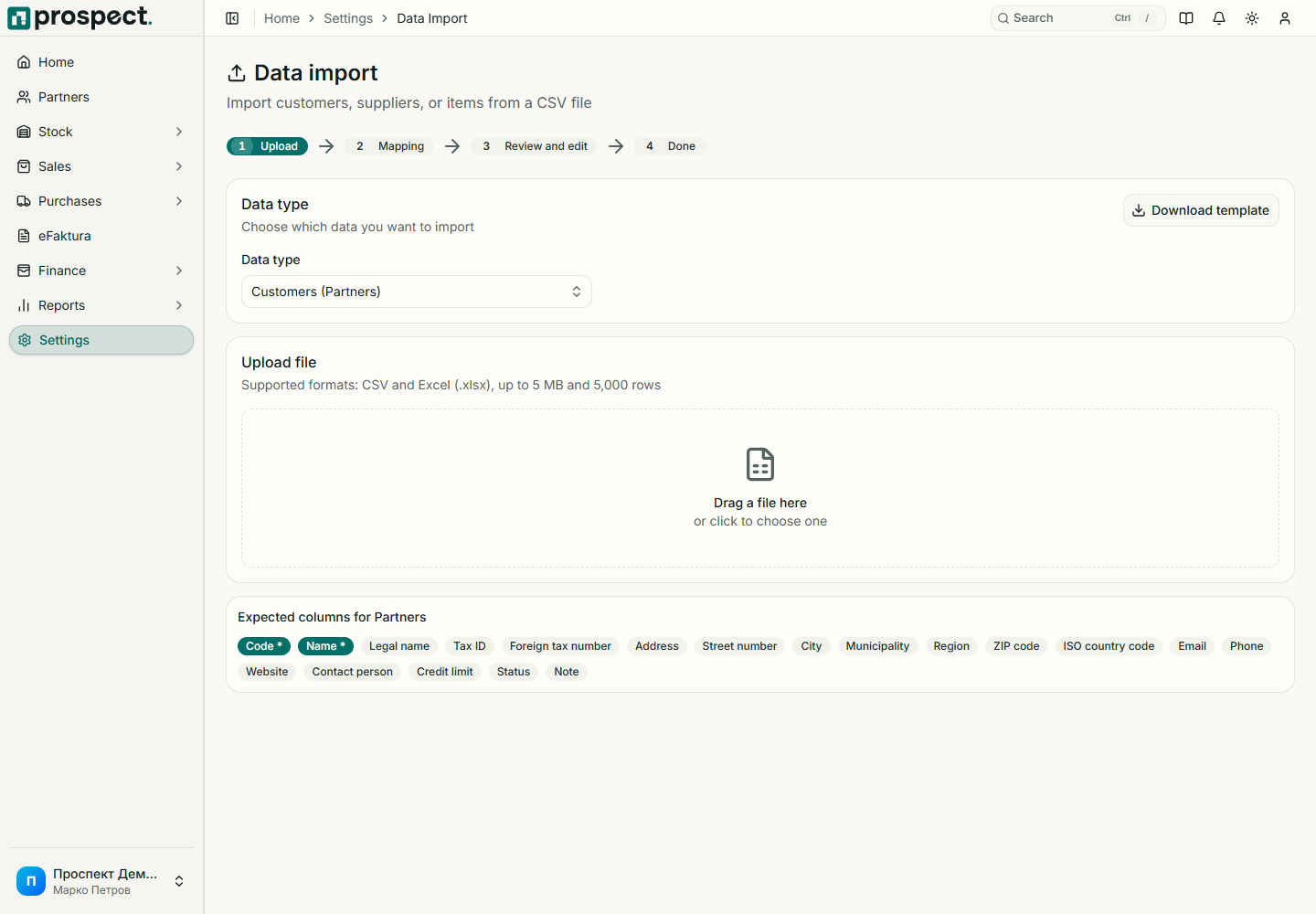
Owners and administrators access Settings → Import and Settings → Export. Use these tools only for supported resources; they are not a database backup or general-ledger integration.
Export current data first when updating many records, and retain the original file.
Prepare the supported file with exact required headers, codes, dates, decimals, and references.
Upload and review validation feedback before committing the import.
Correct errors in the source file instead of repeatedly importing uncertain variants.
After completion, compare counts and sample records in their normal module.
CSV exports respect company scope and the requested resource or report filters. Spreadsheet software may reinterpret codes, dates, leading zeroes, or decimals; inspect the saved CSV before reimport.
Never upload passwords, card data, private keys, or unrelated personal information. For balanced accounting transfer, use Accounting handoff.